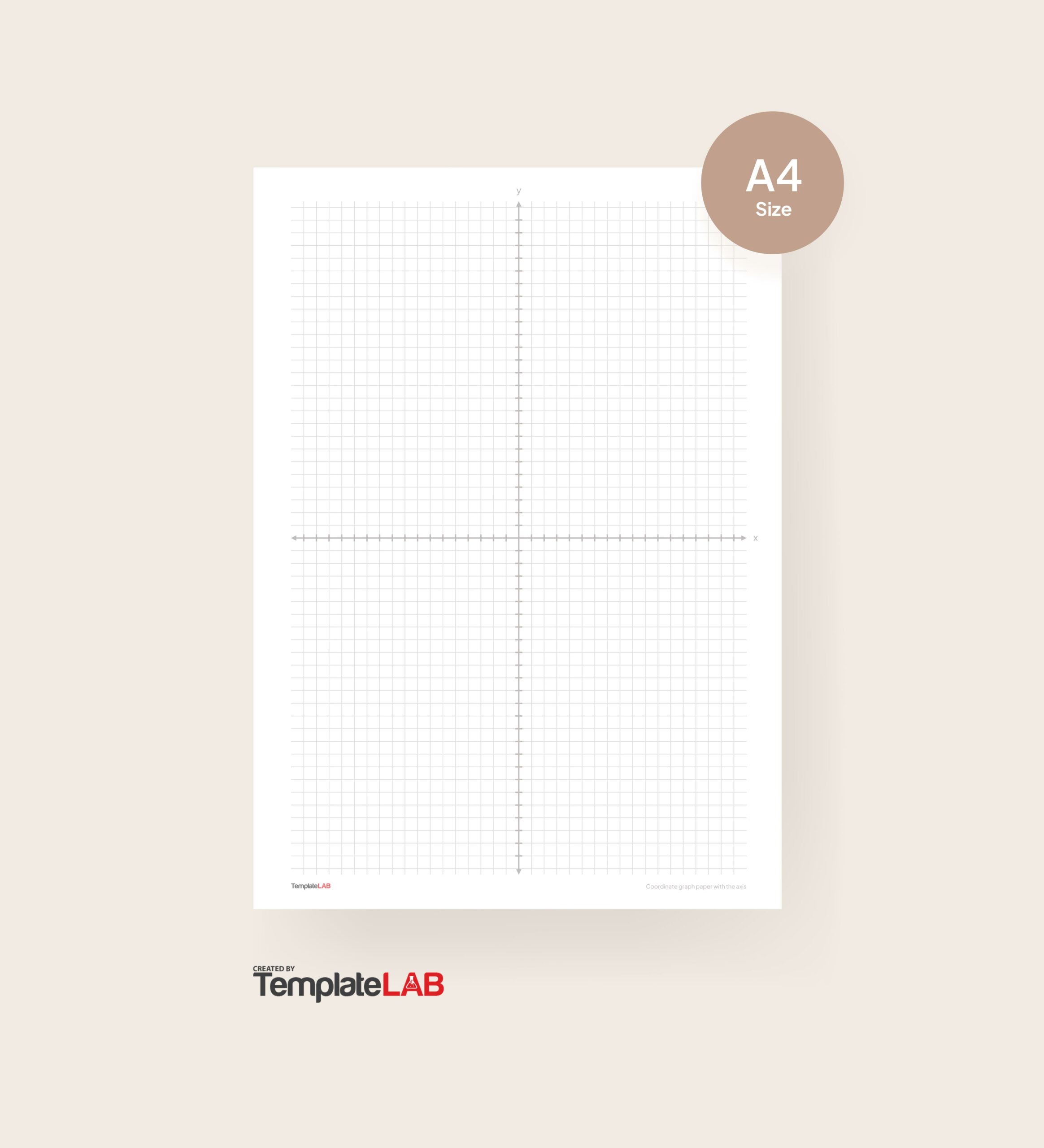
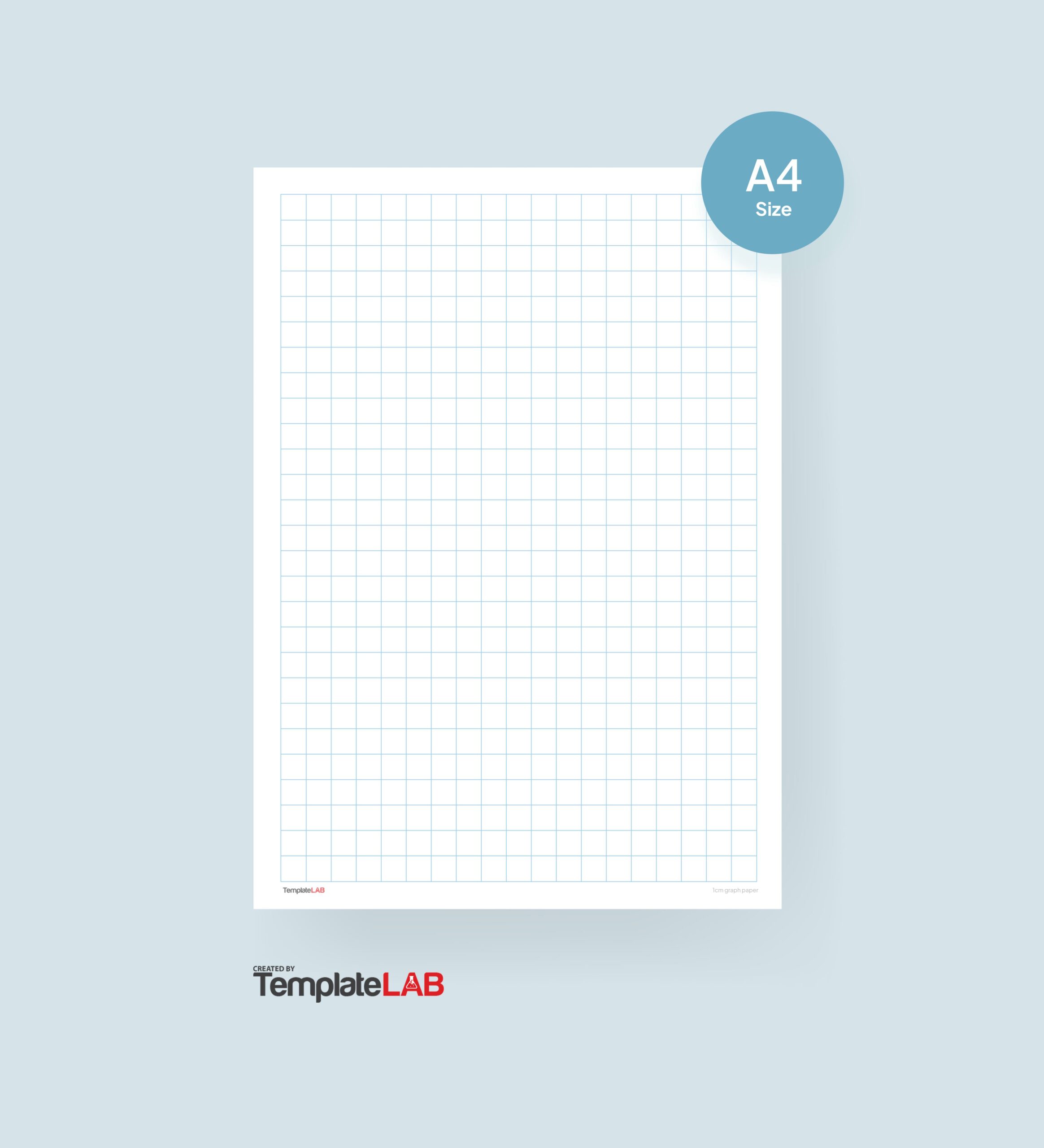
Graph paper is an essential tool for various applications, including drawing, planning layouts, and conducting mathematical work. Microsoft Word can serve as a valuable resource for creating graph paper templates, allowing users to customize their designs for specific projects.
Finding and Using Graph Paper Templates in Word
To locate built-in graph paper templates in Microsoft Word, follow these steps:
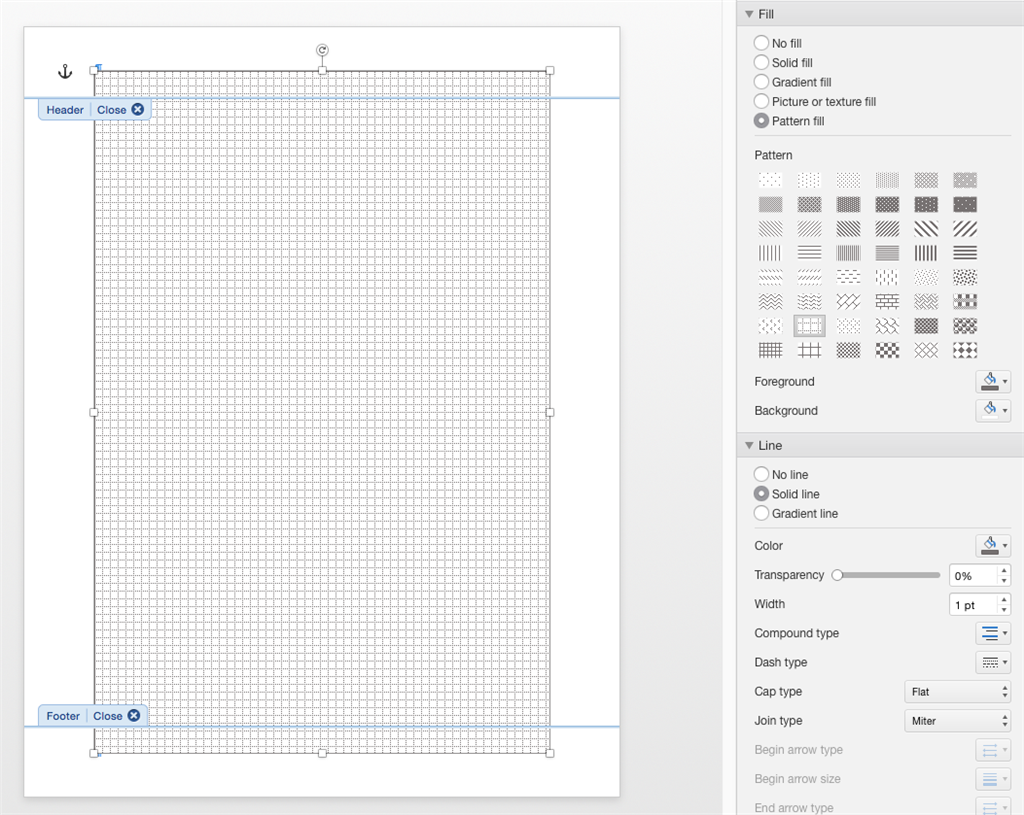
- Open Microsoft Word.
- Click on “File” and then select “New.”
- In the search bar, type “graph paper” and press Enter.
- Browse through the available templates and select one that suits your needs.
- Click “Create” to open the template.
Once you have your template, you can customize it by adjusting grid sizes and colors. This digital approach offers several advantages over traditional graph paper, such as easy editing and the ability to save multiple versions. However, users may encounter limitations like fixed grid patterns; these can often be overcome by modifying the template settings.
Creating Your Own Graph Paper Template from Scratch
If you prefer a more personalized approach, you can create your own graph paper template in Word. Here’s how:
- Open a new document in Microsoft Word.
- Go to “Layout” and set your desired page dimensions.
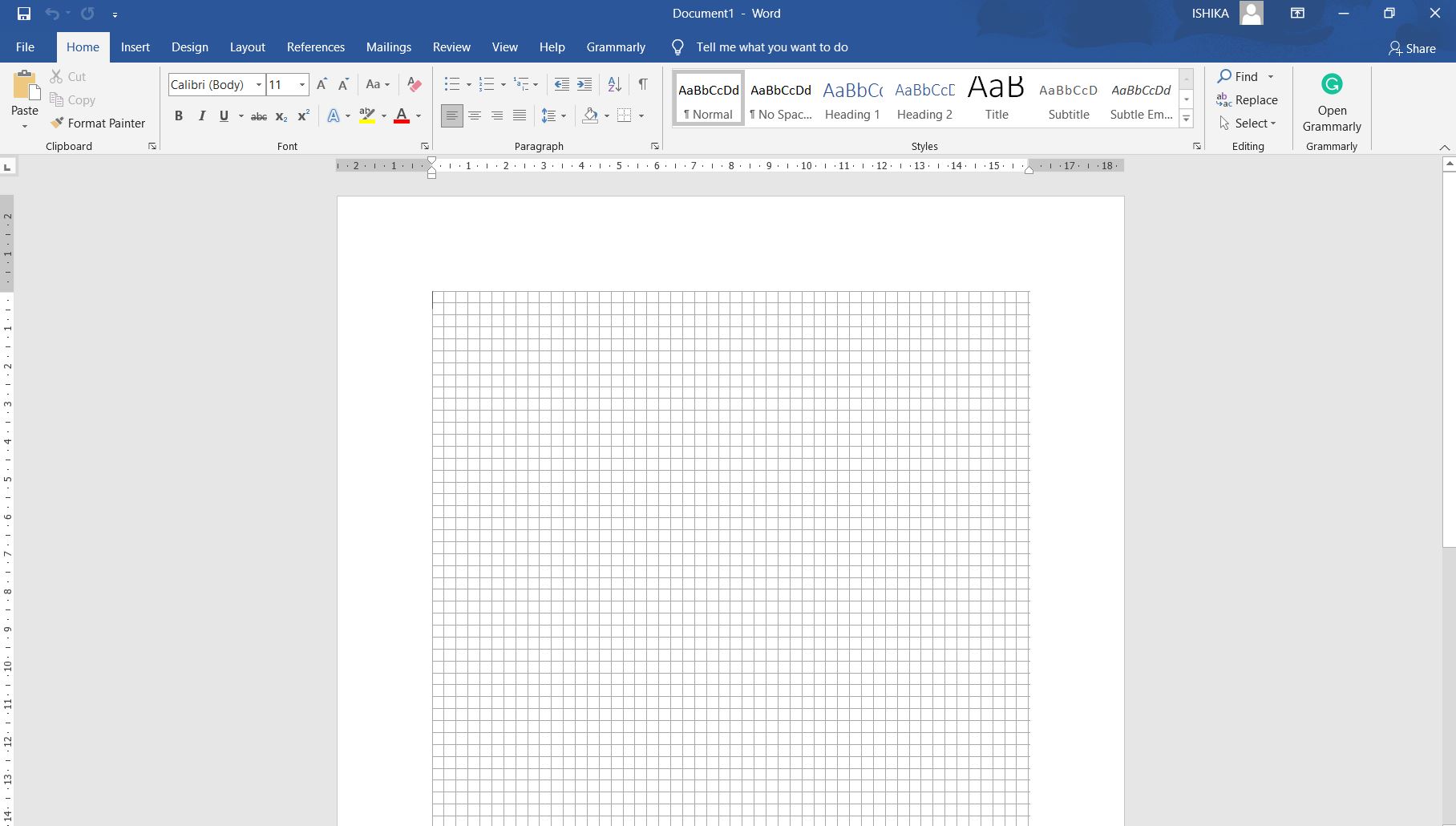
- Select “Insert,” then “Table,” and create a table with the number of rows and columns that fit your grid spacing.
- Adjust the table properties to customize cell size and borders.
This method provides flexibility for specialized uses, such as engineering drafts or educational materials. For example, artists might create unique templates for sketching or layout planning.
Alternative Options for Graph Paper Needs
If Microsoft Word does not meet all your graph paper requirements, consider exploring other software or online resources. Options like Google Sheets or dedicated graph paper generator websites can offer additional features and ease of use. These alternatives may be beneficial when specific functionalities are needed, such as advanced grid customization or collaborative features.
In conclusion, having access to versatile graph paper tools is crucial for both casual users and professionals alike, ensuring that everyone can find a solution that meets their needs effectively.