Graph paper is an essential tool widely used in various fields such as education, engineering, and design. Its structured grid layout allows for precise drawings, calculations, and organization. Utilizing a Word template for graph paper can significantly simplify the process of creating customized sheets for both personal and professional use.
Understanding Graph Paper
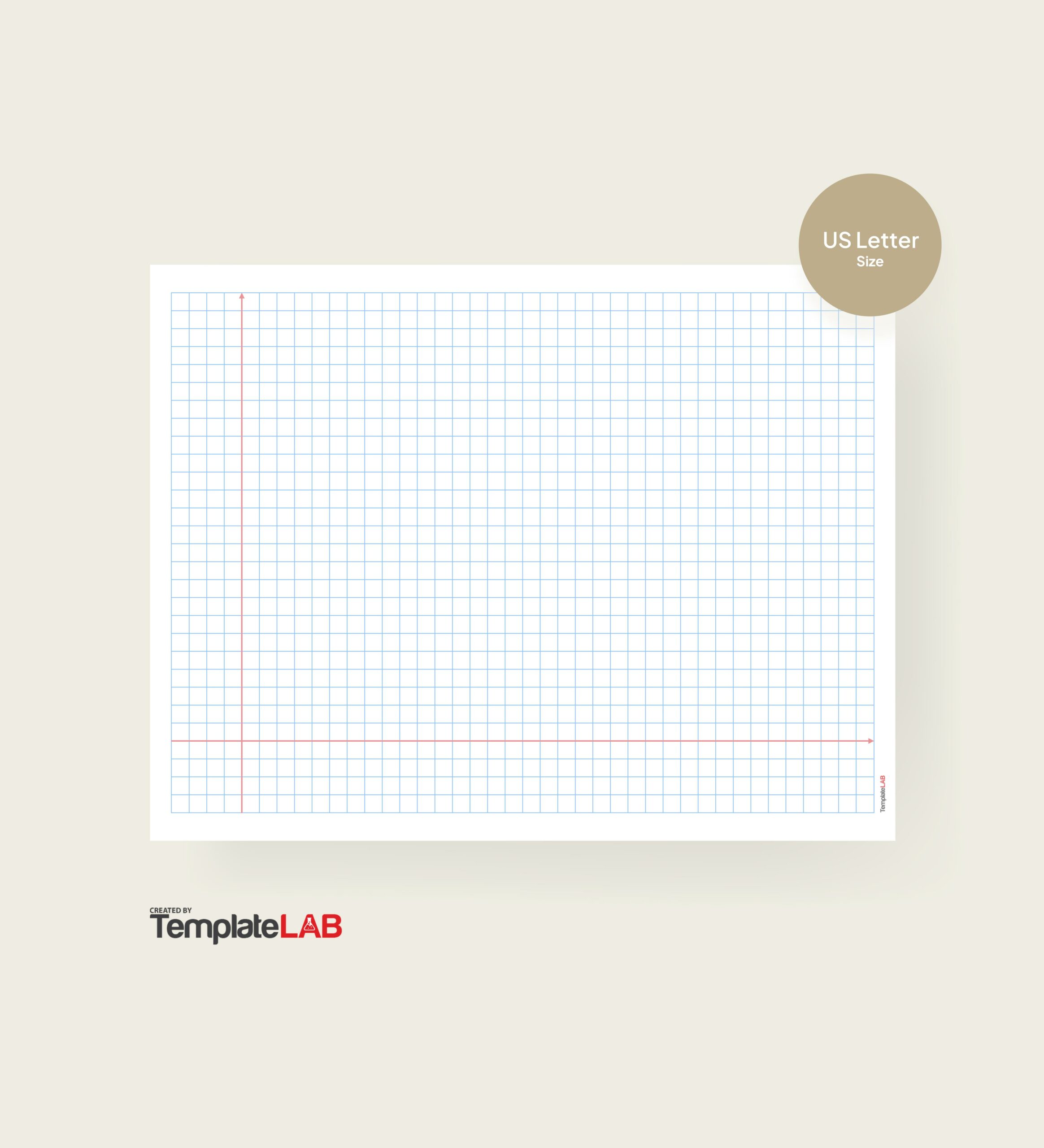
Graph paper is characterized by its grid of fine lines that create squares or other shapes, making it ideal for a variety of applications. Common uses include:
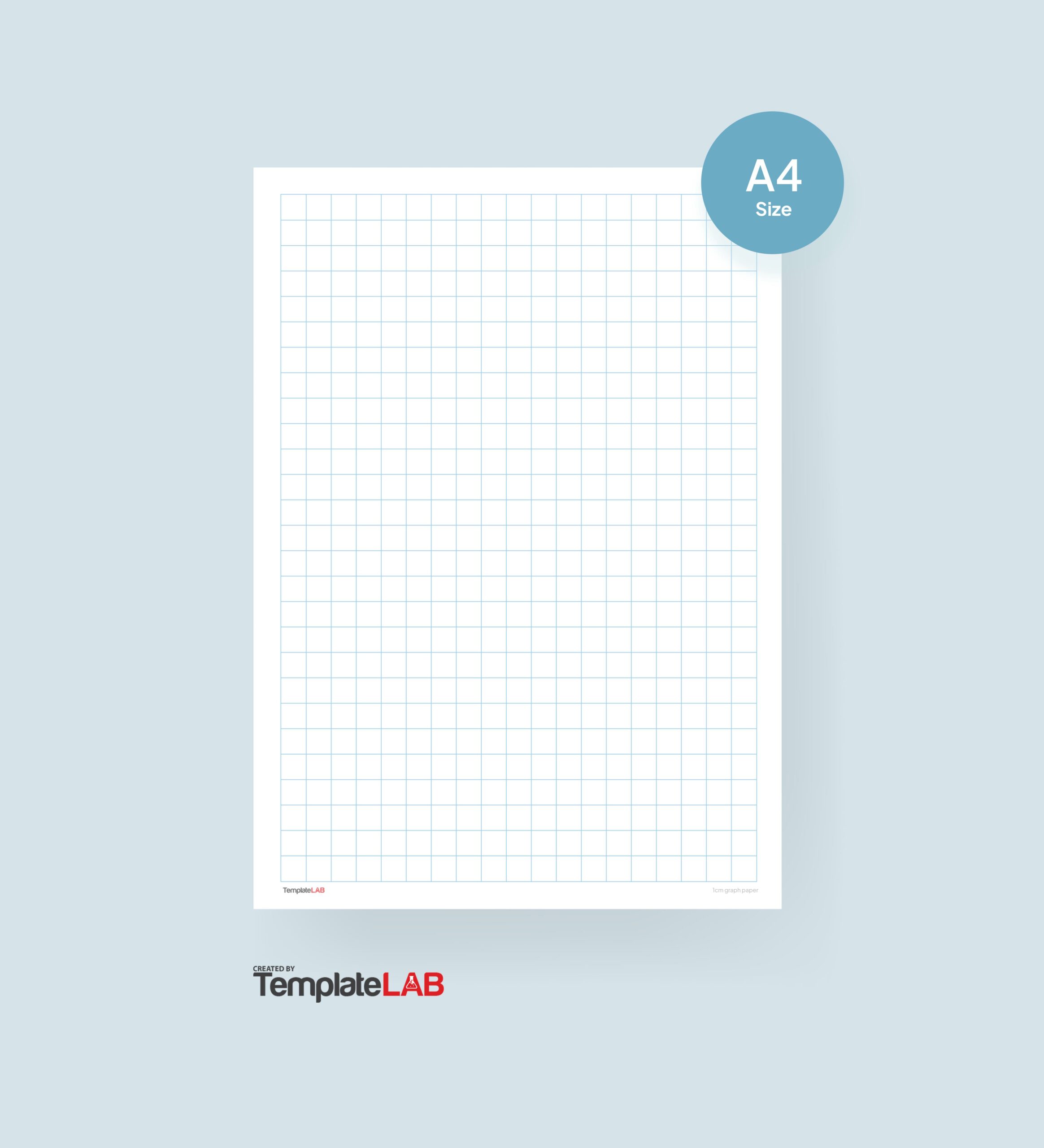
- Academic Settings: Assisting students with math problems and graphing functions.
- Art Projects: Helping artists create scaled drawings or pixel art.
- Technical Drawings: Providing engineers and architects with a precise framework for designs.
The benefits of graph paper include enhanced organization and improved precision, making it a valuable resource for both students and professionals.
Benefits of Using a Word Template
Using a Word template for graph paper offers several advantages:
- Customization Options: Users can easily modify the grid size, color, and layout to suit their specific needs.
- Ease of Use: Word templates are user-friendly, allowing anyone to create graph paper without advanced design skills.
- Accessibility: Most users have access to Microsoft Word, making it a convenient choice compared to specialized graphic design software.
Templates also save time, enabling users to focus on their projects rather than formatting issues.
How to Create Your Own Graph Paper Word Template
Follow these steps to create a custom graph paper template in Microsoft Word:
- Open Microsoft Word: Start a new document.
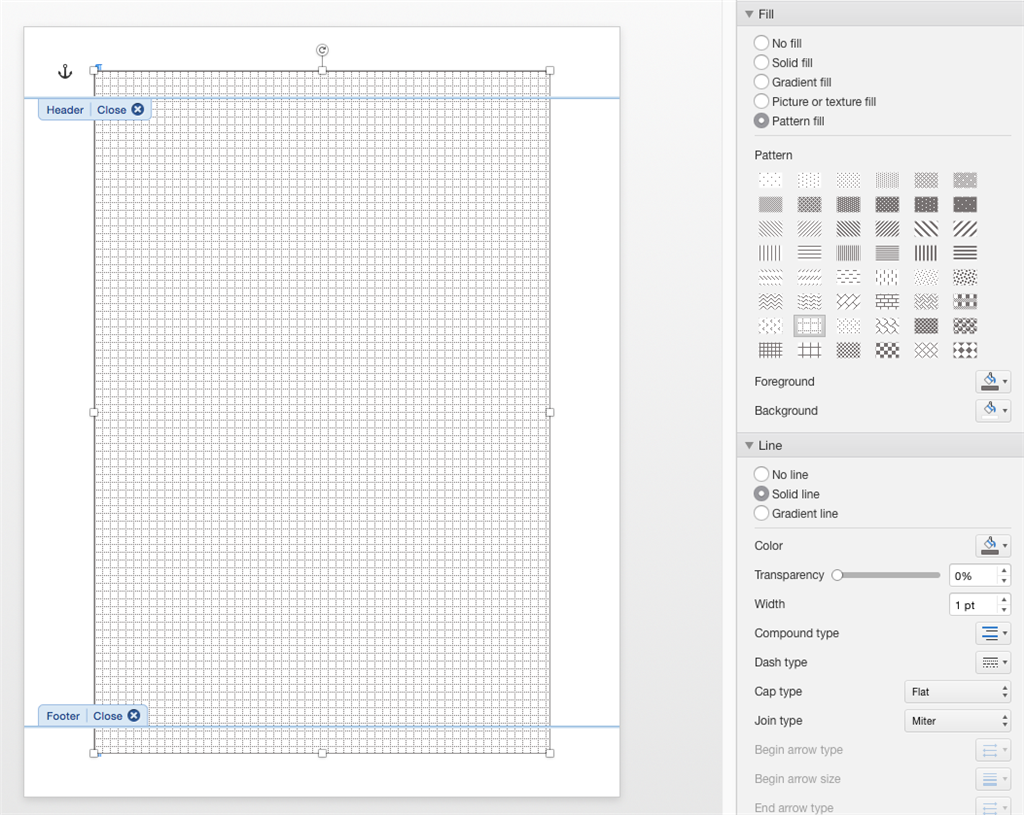
- Set Up Grid Lines: Use the “Table” feature to create a grid by inserting a table with the desired number of rows and columns.
- Adjust Margins: Go to “Layout” and set margins according to your preferences.
- Select Size: Choose the page size that fits your project needs (e.g., A4, Letter).
Encourage creativity by exploring various layouts or designs tailored to specific projects.
For effective printing and usage of templates, consider these practical tips:
- Avoid using too many colors that may distract from the grid lines.
- Ensure proper alignment before printing to maintain accuracy.
Avoid common mistakes such as miscalculating grid sizes or neglecting to save your template for future use. Additional resources like online graph paper generators can complement your templates for even more options.