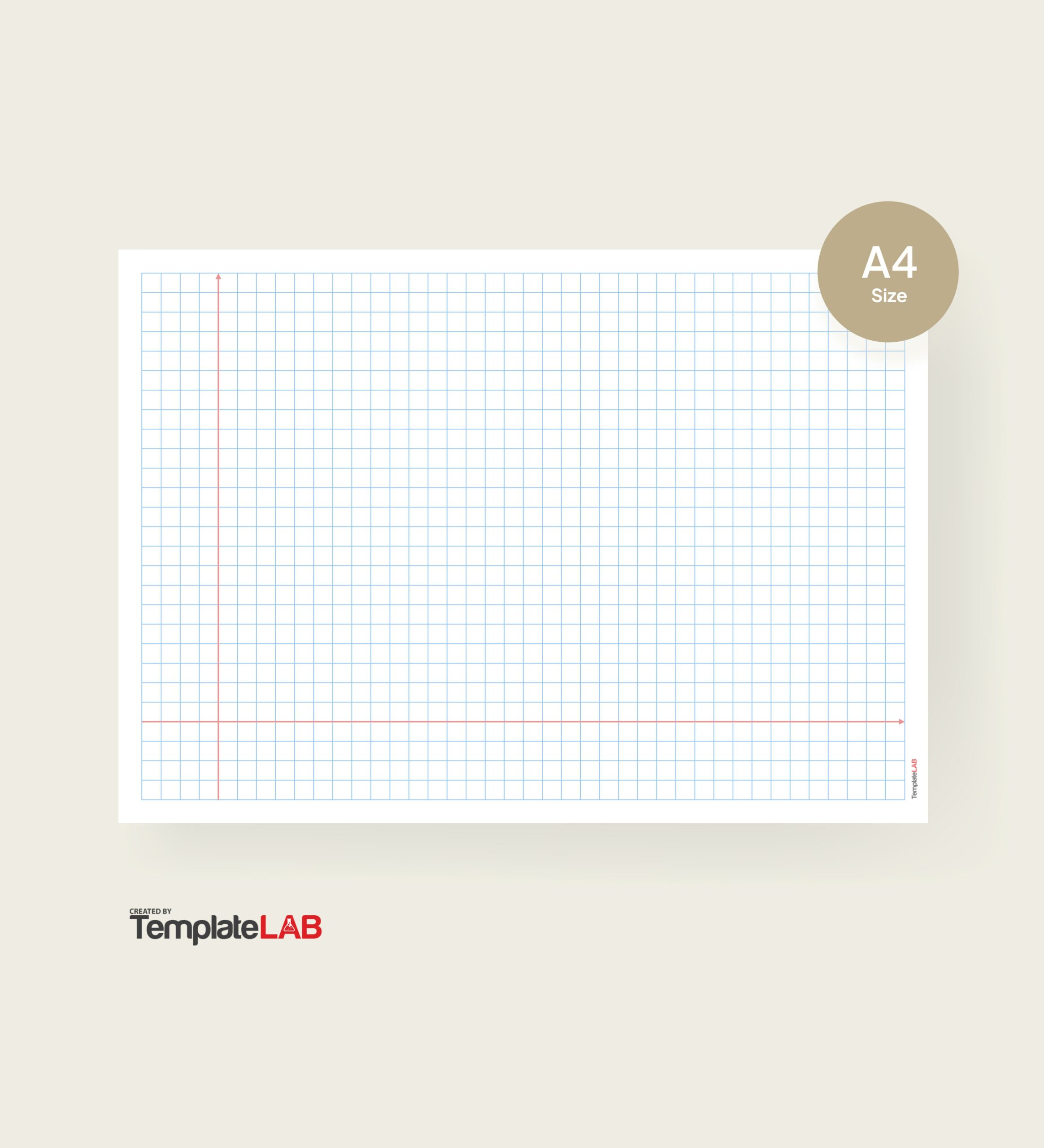
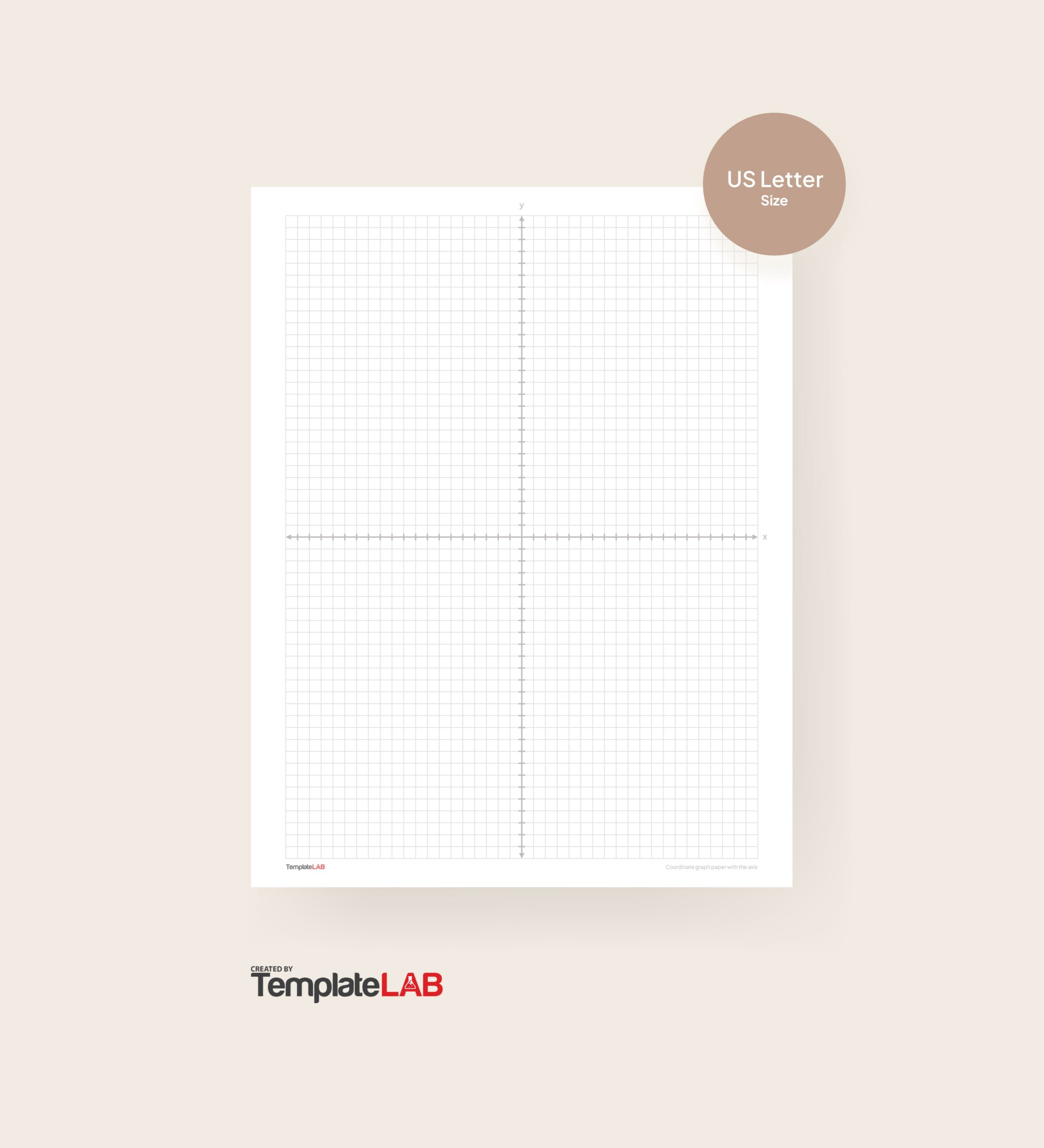
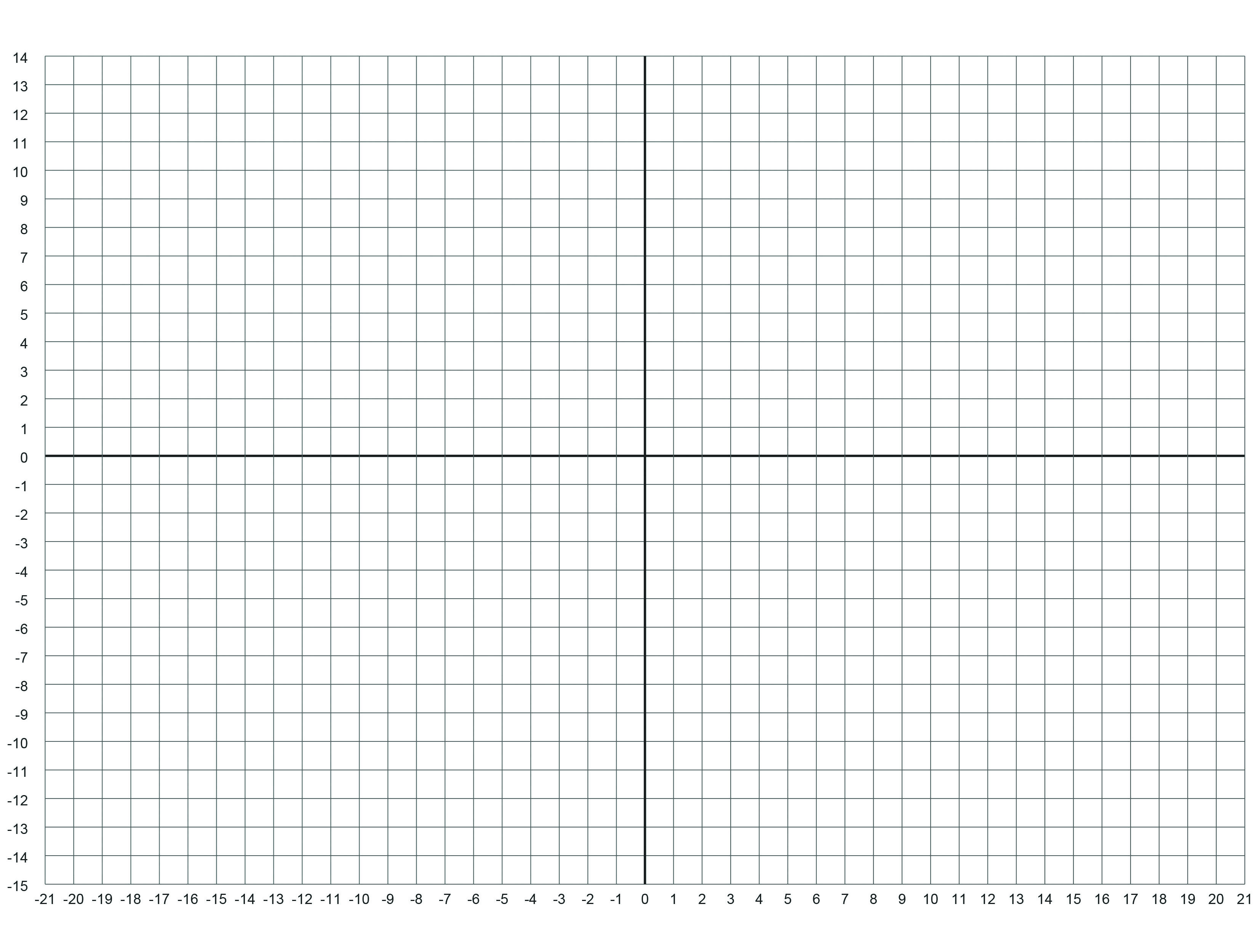
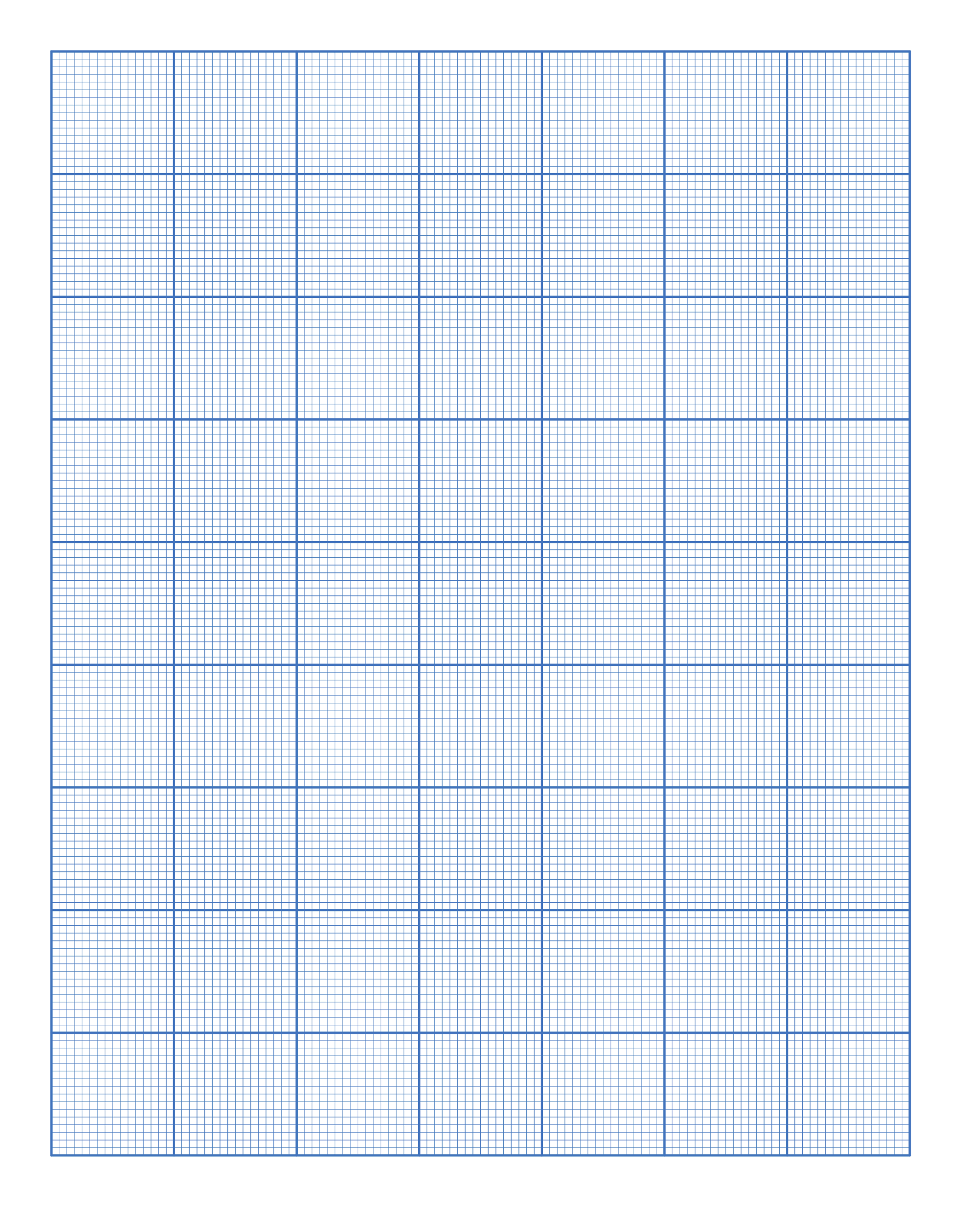
Graph paper templates in Microsoft Word serve as valuable tools for a range of applications, including drawing, designing, and educational purposes. These templates enhance productivity and precision in tasks such as mathematical plotting and architectural design, making them essential for both professionals and students.
Benefits of Using Graph Paper Templates
Utilizing graph paper templates within Microsoft Word offers several advantages:
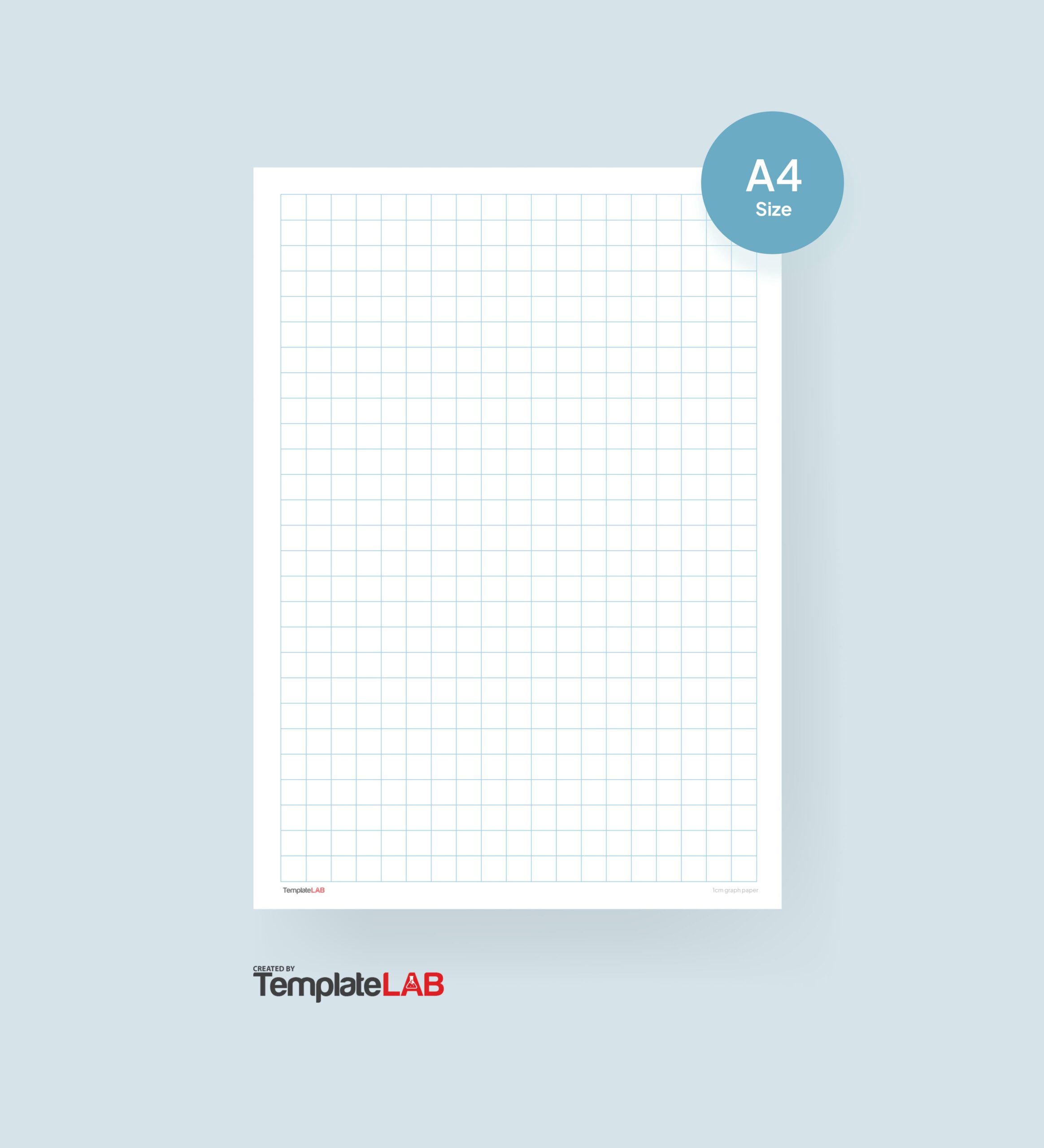
- Simplifies Complex Projects: Graph paper helps in organizing thoughts and designs clearly.
- Improves Accuracy: Ideal for creating charts or drafting layouts with precision.
- Customizable: Users can adjust grid sizes and styles to fit specific needs.
These templates cater to both professional and educational contexts, making them versatile tools for various tasks.
How to Access and Customize Graph Paper Templates in Microsoft Word
To find and access graph paper templates in Microsoft Word, follow these steps:
- Open Microsoft Word and go to the File menu.
- Select New to open the template gallery.
- In the search bar, type “graph paper” to locate relevant templates.
Customization options include:
- Changing grid dimensions to suit your project.
- Selecting different colors for grids and backgrounds.
- Adjusting other formatting features for a personalized touch.
Practical Applications of Graph Paper Templates
Graph paper templates can be applied in various fields:
- Education: Useful for math exercises and visual learning.
- Engineering: Ideal for technical drawings and schematics.
- Personal Projects: Great for crafting or home planning layouts.
Consider these project ideas:
- Create a scale model of a room using graph paper for accurate measurements.
- Design a custom chart or graph for a school project or presentation.
Explore the versatility of graph paper templates in Microsoft Word to streamline your workflow across various tasks. These tools can significantly enhance your productivity and creativity in both professional and educational settings.