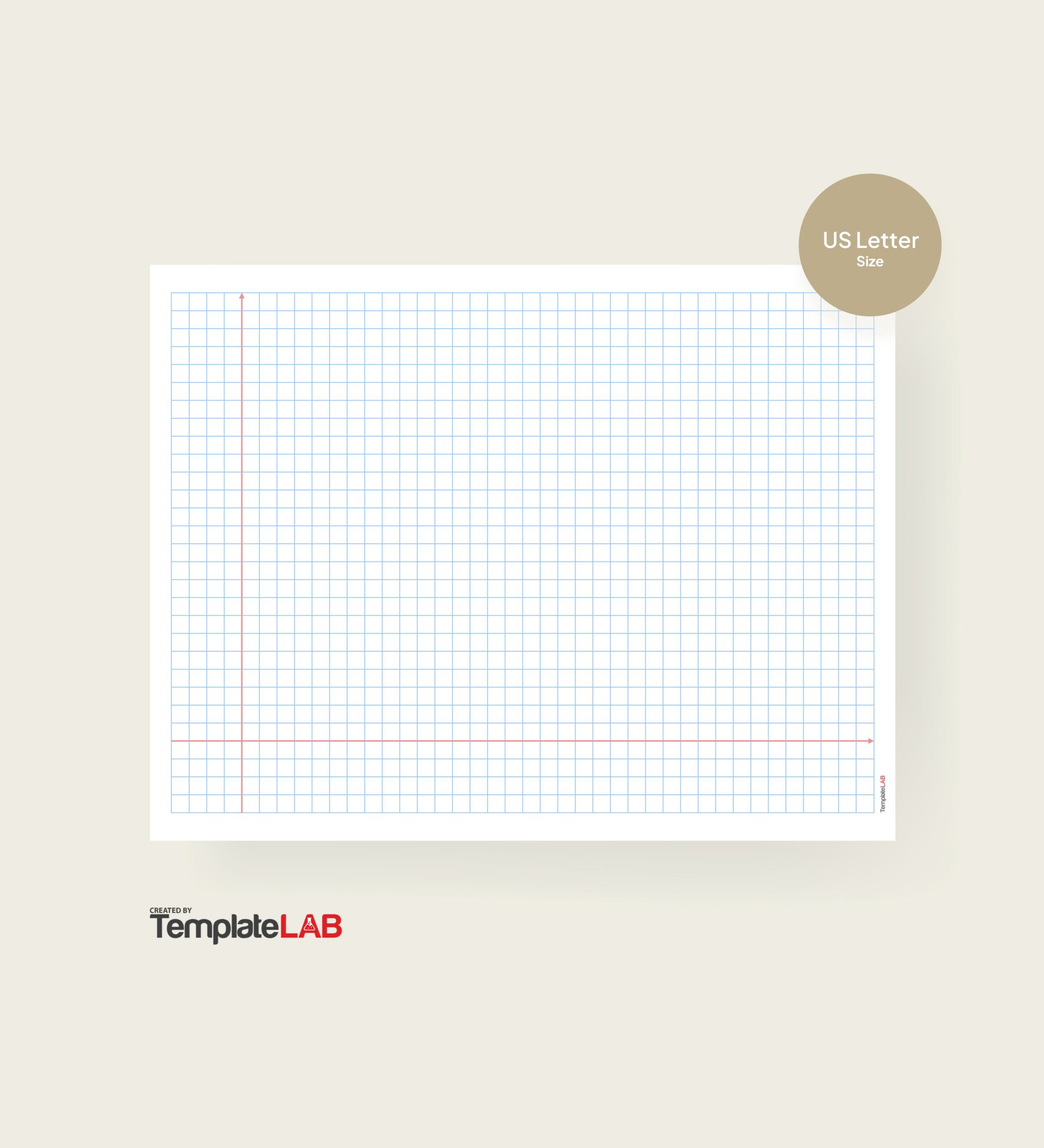
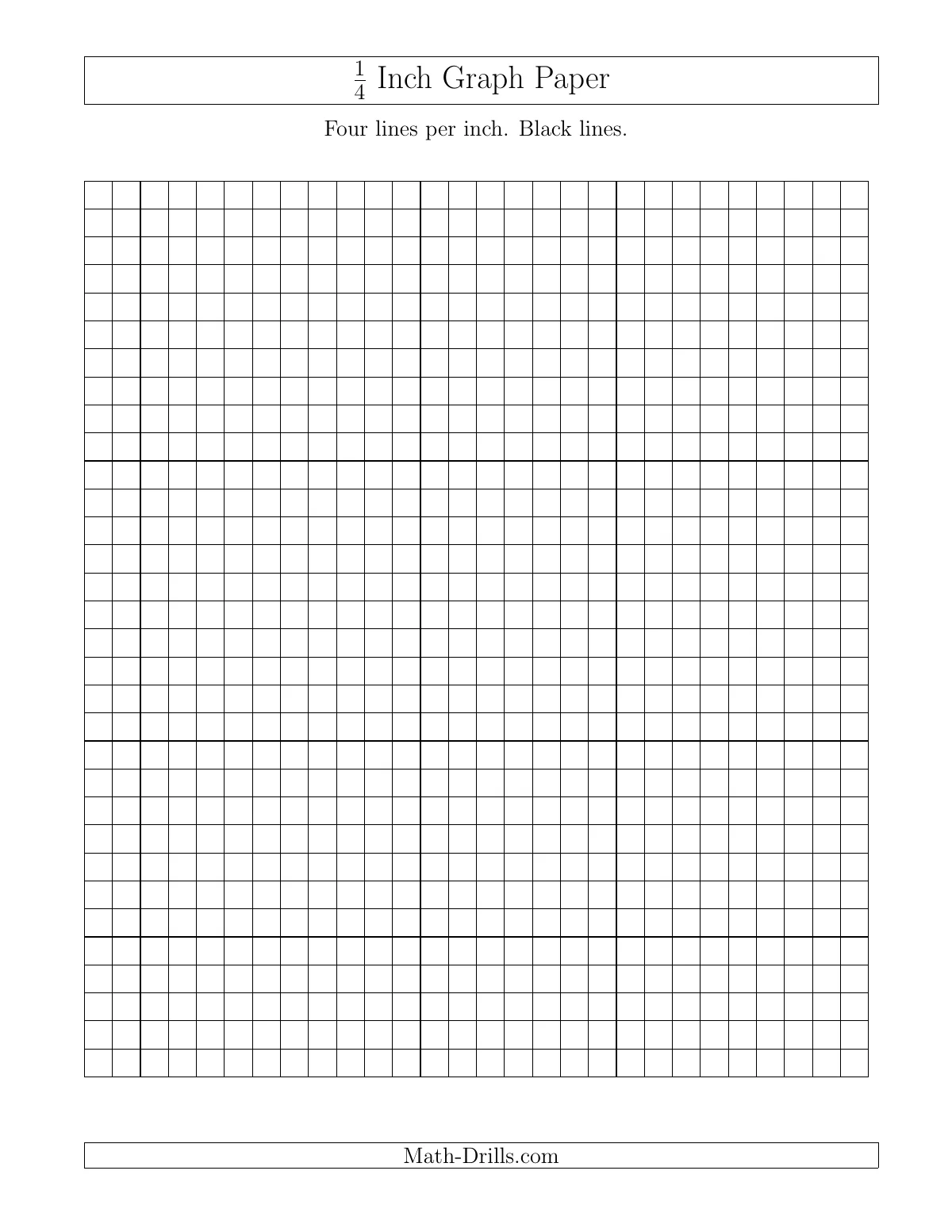
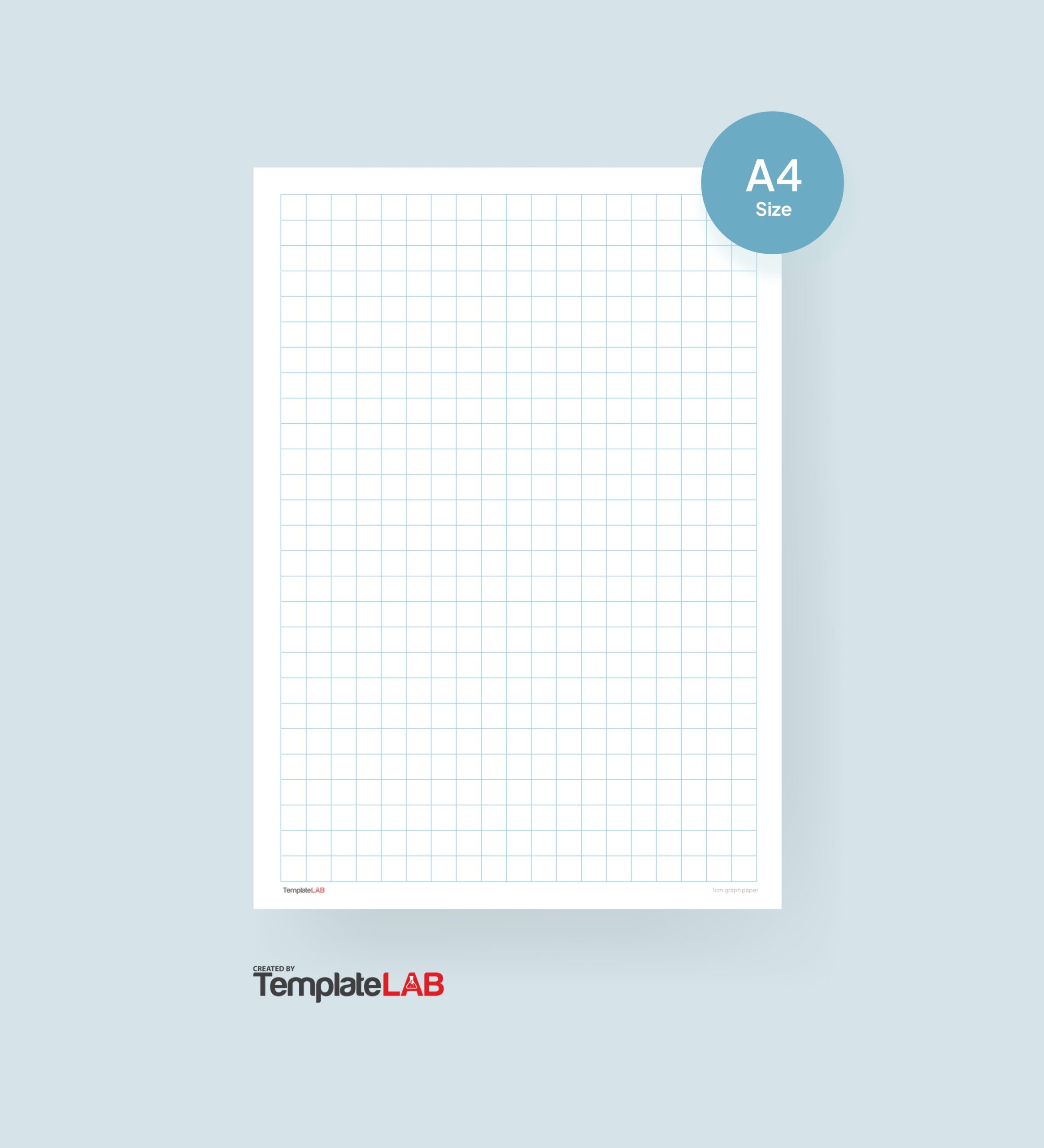
Graph paper templates are invaluable tools for a wide range of applications, from education to design and personal projects. Having a customizable Word template can significantly enhance productivity and creativity, allowing users to focus on their tasks without the hassle of creating grids from scratch.
Benefits of Using Graph Paper Templates
Using graph paper templates offers numerous advantages:
- Precision: Facilitates accurate drawing, planning, and calculations.
- Use Cases: Ideal for mathematics, engineering designs, and crafting.
- Time-Saving: Provides ready-to-use layouts for quick grid creation.
How to Create Your Own Graph Paper Template in Word
Follow these steps to create a graph paper template in Microsoft Word:
- Open a new document in Word.
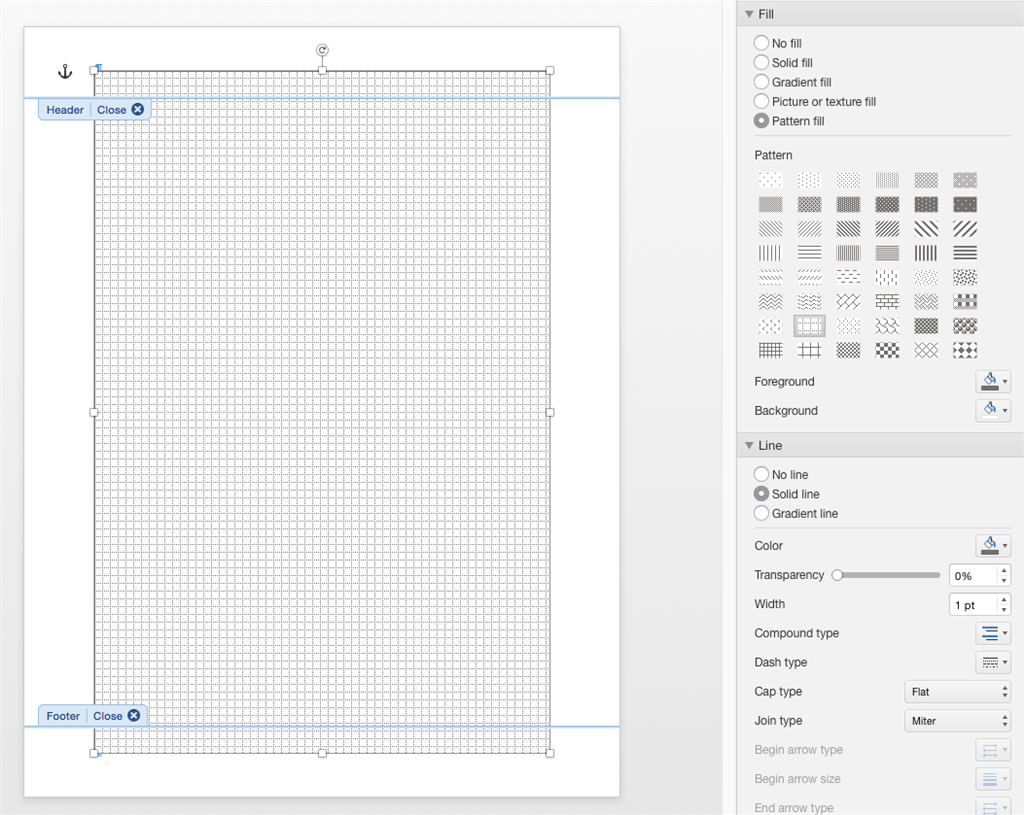
- Set up the grid size by adjusting the page layout.
- Customize margins according to your needs.
- Add lines using the drawing tools or table feature.
- Modify colors, line thickness, and print settings as desired.
Where to Find Ready-Made Templates
You can find ready-made graph paper templates at various reputable sources:
When selecting a template, consider the intended use, such as size and grid type (e.g., isometric or standard). Additionally, explore resources for inspiration or variations to suit your projects.
In summary, accessible graph paper templates are essential for enhancing productivity in various projects. Explore your options to find the perfect template that meets your needs.