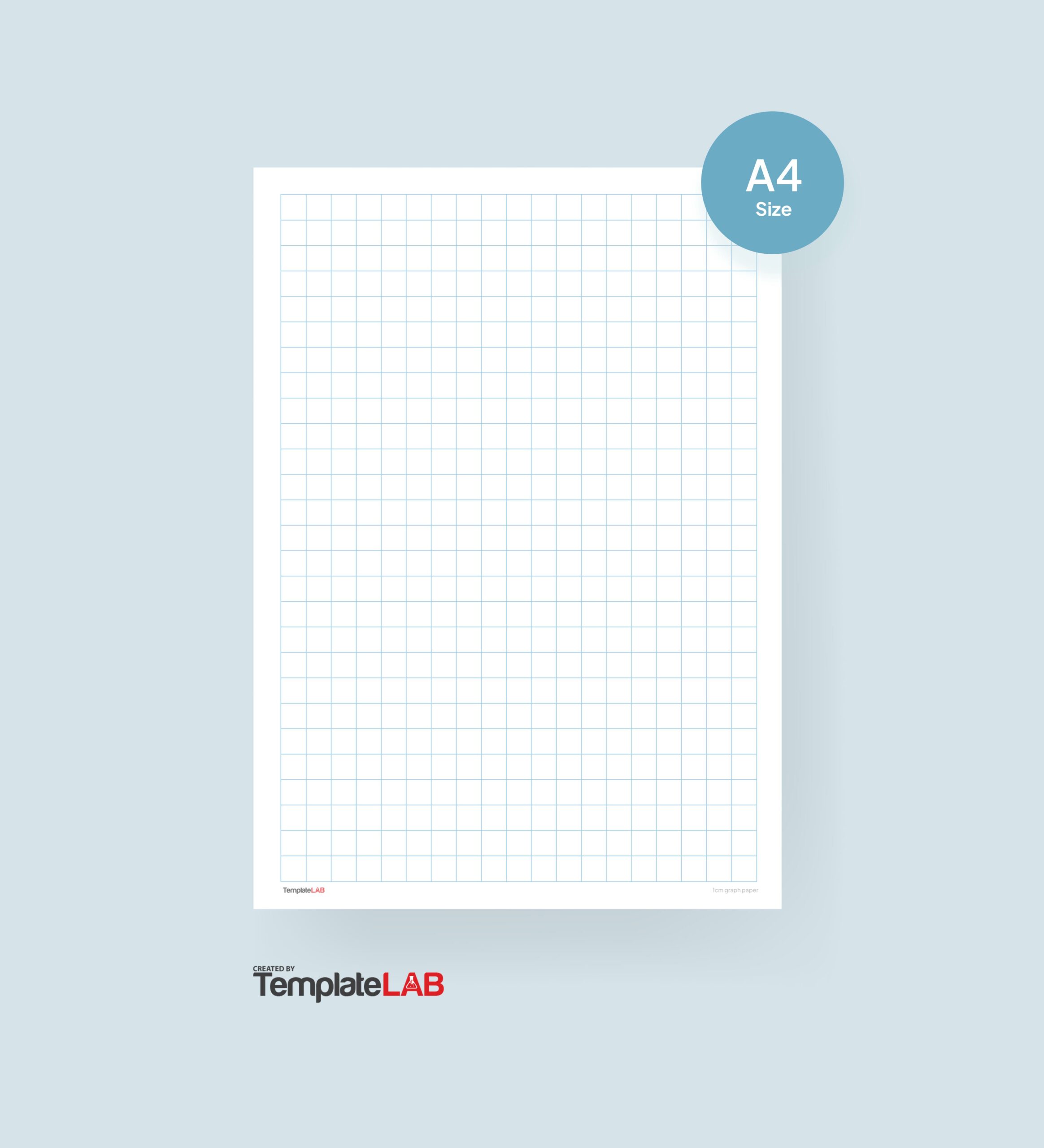
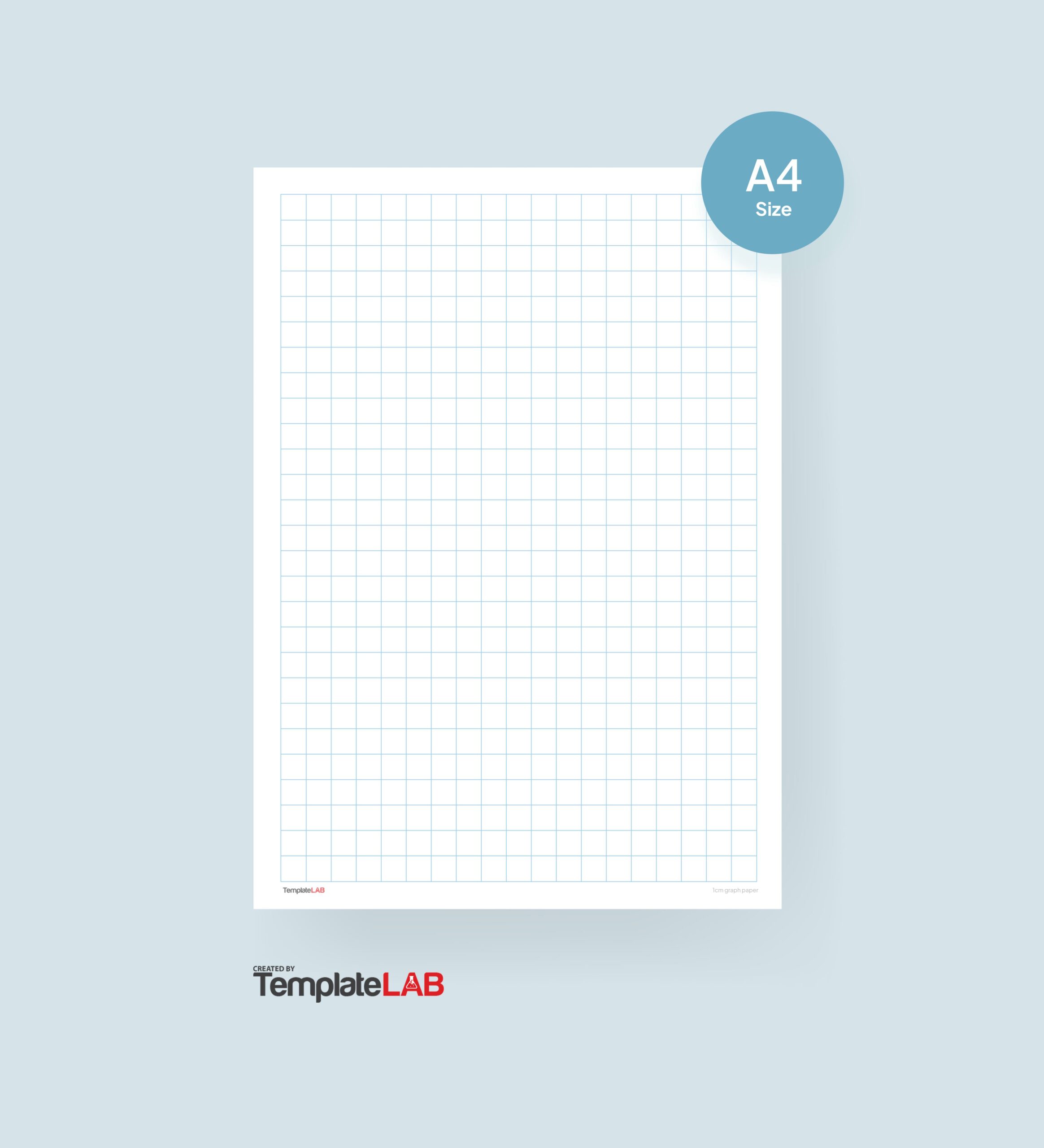
Graph paper is an essential tool in various fields, including mathematics, engineering, and design. It provides a structured layout that aids in precision and clarity for drawings, calculations, and designs. Microsoft Word templates for graph paper simplify the process of creating custom layouts tailored to specific needs, making it easier for users to produce high-quality work efficiently.
Benefits of Using Microsoft Word Templates for Graph Paper
Using Microsoft Word templates for graph paper offers several advantages:
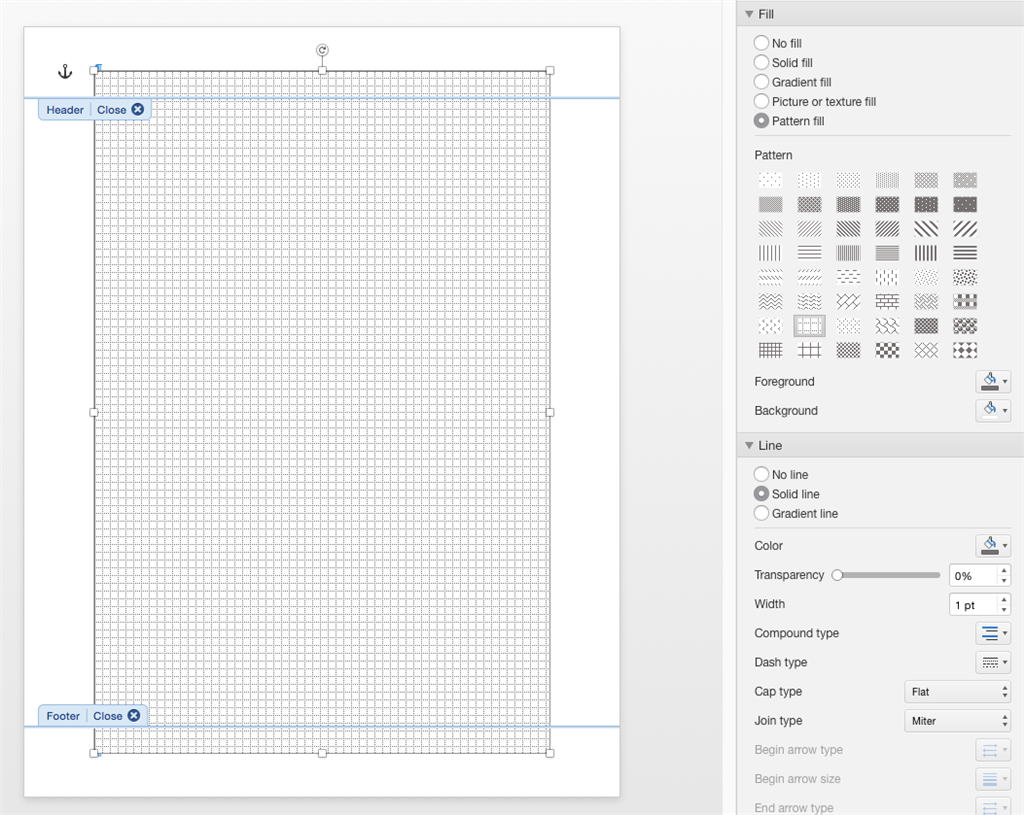
- Convenience: Quickly access pre-designed templates without starting from scratch.
- Customization: Easily modify templates to fit specific requirements.
- Accessibility: Available on most devices with Microsoft Word installed.
For instance, students can use graph paper templates for math assignments, while professionals in design can create layouts for architectural plans. The flexibility in size and grid spacing allows users to adapt the templates to their unique projects.
How to Access and Use Microsoft Word Graph Paper Templates
Follow these steps to find and access graph paper templates in Microsoft Word:
- Open Microsoft Word and go to the “File” menu.
- Select “New” to open the template options.
- In the search bar, type keywords like “graph paper,” “grid,” or “graph template.”
- Browse through the available templates and select one that suits your needs.
To modify existing templates, users can adjust grid sizes or colors by accessing the formatting options. Remember to save customized templates for future use by selecting “Save As” and choosing a suitable file name.
Popular Types of Graph Paper Templates Available
Microsoft Word offers various types of graph paper templates, including:
- Isometric Graph Paper: Ideal for 3D drawings and designs.
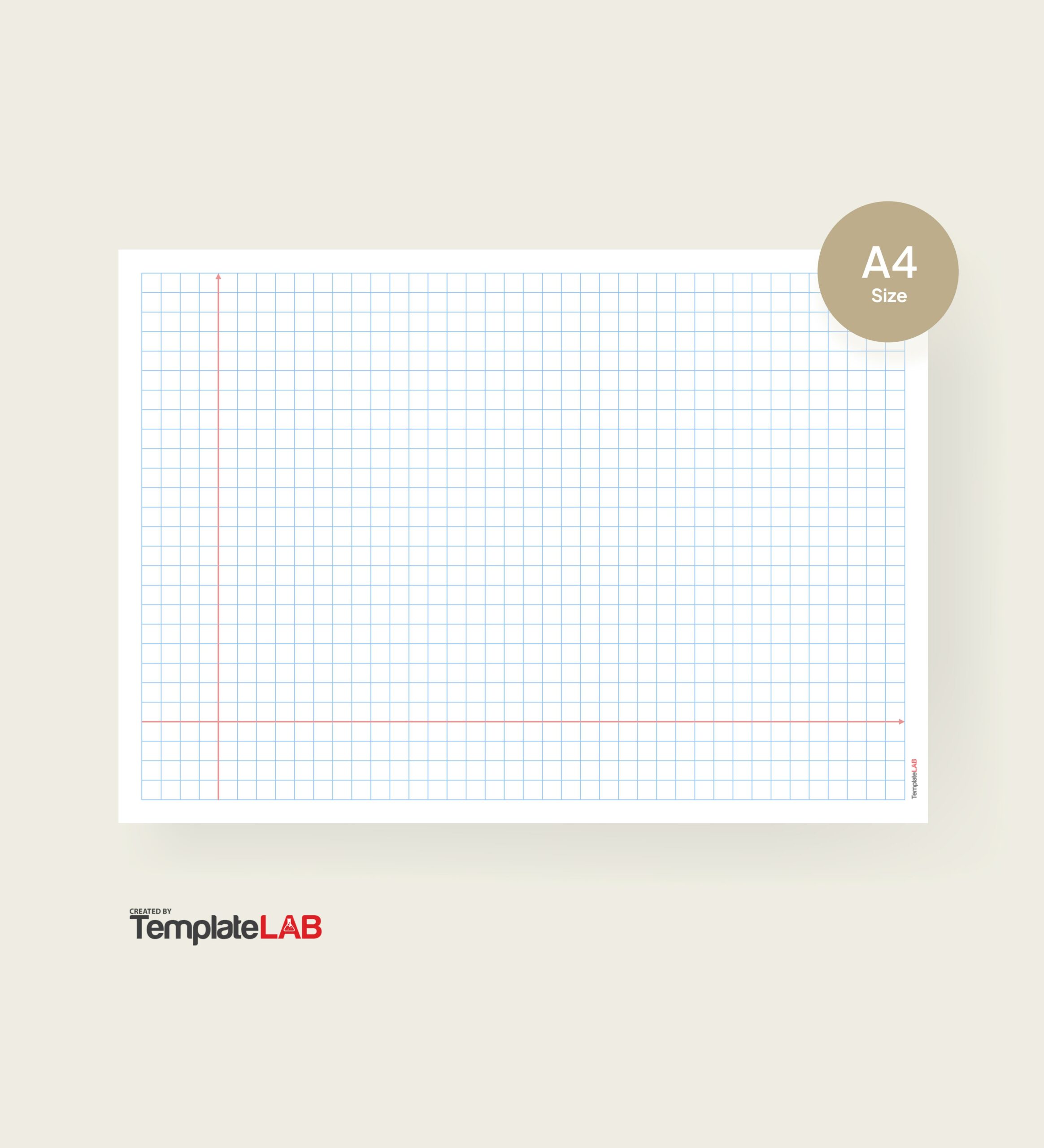
- Four Quadrants: Useful for plotting functions or data analysis.
- Blank Grids: Perfect for freehand sketches or custom designs.
Experimenting with different styles can help users discover what works best for their projects, whether they are plotting graphs or sketching innovative designs.
The versatility of Microsoft Word templates for graph paper enhances productivity and creativity in both academic and professional settings. Start utilizing these tools effectively to streamline your work processes today!